AI models on Craze
Every video, image, voice, music and sound model Craze can direct, with what each one makes and what it costs.

Every video, image, voice, music and sound model Craze can direct, with what each one makes and what it costs.
Starts at$0.135 per image
OpenAI's precision image generator for work demanding fine detail and exact edits. Use Sunburst when texture fidelity, small features, or editing accuracy are critical.
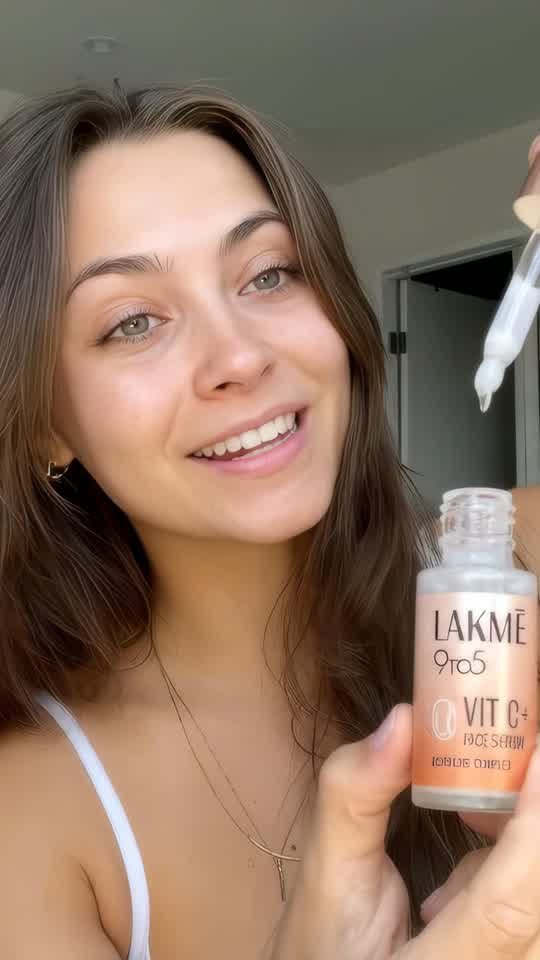
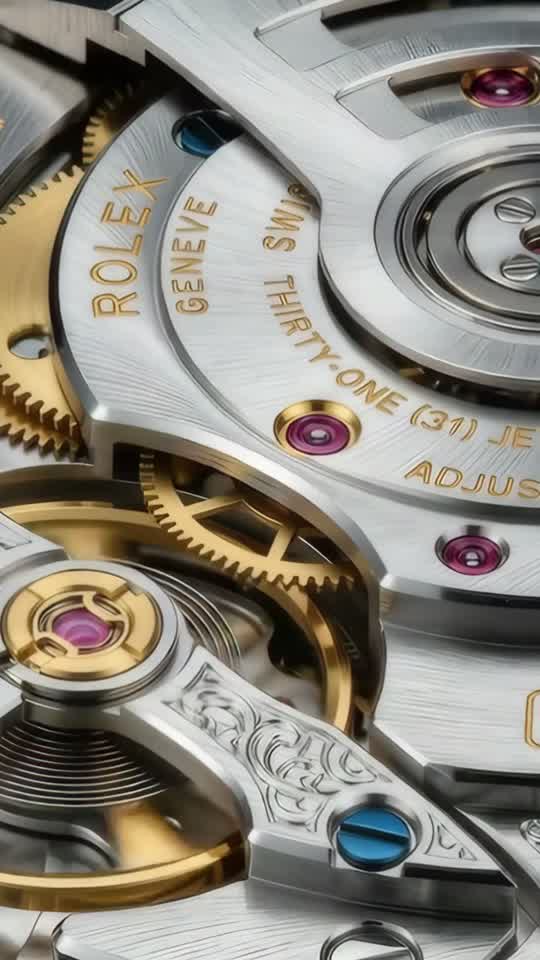
Intricate textures, fabric weaves, material surfaces, and tiny product details hold their integrity in Sunburst.
Editing is Sunburst's strength.
Sunburst holds closer to your references than faster models.
Build a series of images and they stay coherent.






Craze creatively jams, researches and plans with you.
Craze generates anything imaginable. Video, audio, music, motion graphics and more.
Craze watches your footage and builds a final cut. With a real editor if you need it.
Every model here runs on every Craze plan, including Free, and Craze can use a different one for each shot.
| GPT Image 2.5 SunburstOpenAI | Nano Banana 2.1Google | Nano Banana 2Google | Nano Banana ProGoogle | |
|---|---|---|---|---|
| Makes | Text + Image to image | Text + Image to image | Text + Image to image | Text + Image to image |
| Quality | Up to 1K | Up to 4K | Up to 4K | Up to 4K |
| From | $0.135 per image | $0.036 per image | $0.071 per image | $0.158 per image |
| Task | Inputs | Resolution | Aspect ratios | Sound |
|---|---|---|---|---|
| Text to image | Text prompt | 1k | 16:9, 4:3, 3:2, 1:1, 2:3, 3:4, 9:16 | None |
| Image editing | Image, Mask | 1k | 16:9, 4:3, 3:2, 1:1, 2:3, 3:4, 9:16 | None |
$0/ month
$19/ month
$59/ month
$199/ month
GPT Image 2.5 Sunburst is OpenAI's precision image generator, designed for work where fine detail and exact editing matter more than generation speed. Sunburst prioritizes texture fidelity, small product features, and editing accuracy while maintaining high-quality output across all aspects and resolutions.
Sunburst addresses a specific need: when the brief demands precision, texture detail, or exact edits, it's the model to reach for. OpenAI built it for creators who need control over the details that separate good work from work that clients scrutinize. Unlike faster models that prioritize speed, Sunburst invests generation time in texture integrity, small-feature fidelity, and editing precision. This makes it ideal for commercial work where every pixel is examined.
Intricate textures, fabric weaves, material surfaces, and tiny product details hold their integrity in Sunburst. Use it when small visual elements matter: jewelry details, leather grain, metallic finishes, embroidery, wood grain, or the fine print on a package. Consistency of fine detail across multiple generations is where Sunburst excels over faster variants. Generate a series of product shots for an e-commerce catalog and every image maintains the same level of surface detail. Fabric photography benefits from Sunburst's texture fidelity: weave patterns stay crisp, thread count shows clearly, and embroidery detail remains sharp across variations.
Editing is Sunburst's strength. Changes you describe land exactly where you need them. A logo adjustment, a color correction, a refined background, or a removed element all apply with precision. Mask a specific region to keep edits surgical, or describe the area and let Sunburst infer it. This control is critical when editing assets that need to stay exact.
Sunburst holds closer to your references than faster models. Provide character sheets, product photos, mood boards, or style examples, and Sunburst draws on them to maintain consistency. Use this when matching an existing color palette, preserving a character's face and proportions across multiple shots, or staying on brand across a product line. Reference consistency compounds across a series.
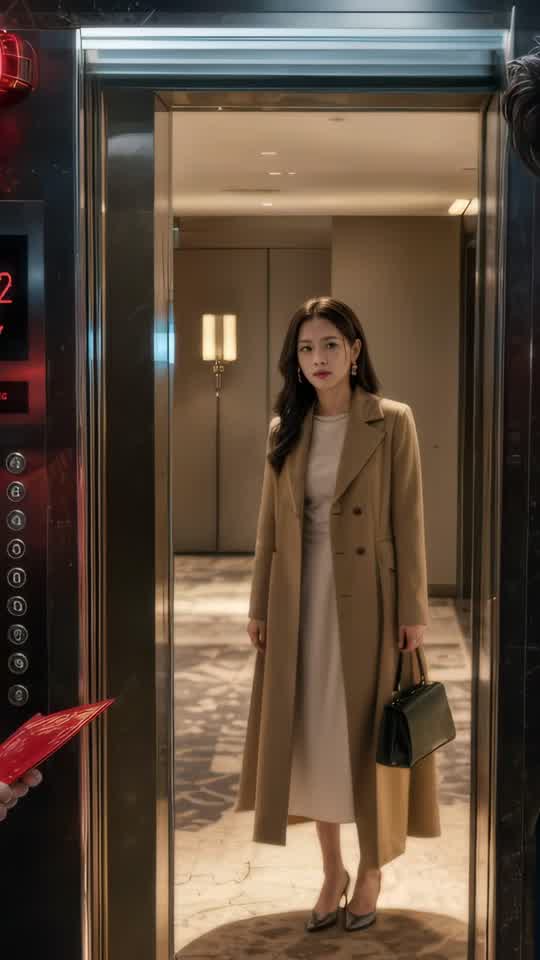
Build a series of images and they stay coherent. Sunburst remembers the style, lighting, and composition you set on the first image, making it ideal for campaign work and asset libraries where every shot must feel like it belongs together. This consistency is why Sunburst works for building comprehensive character or product libraries. If you're shooting a luxury furniture collection across 50 products, Sunburst keeps the lighting, background, and rendering quality consistent from image one to image fifty. This saved time later: you don't have to spend hours in post-production unifying the look across your catalog.
Be specific in your brief. "Gold lettering on black background, fine serif font, glossy finish" gets you closer than "make it look premium." Sunburst responds to precision direction and detail-focused language.
You pay $0.135 per image. The cost is the same whether you're generating from a text prompt or editing an existing image. Aspect ratio doesn't affect the price. Use the cost calculator on this page to estimate your spend before generating.
Use Sunburst when small features, textures, and fine details must hold up under scrutiny. Logos, labels, material finishes, gemstones, jewelry, textiles, and product packaging all benefit from Sunburst's texture fidelity. Build a consistent product library where every shot maintains the same level of detail and lighting consistency.
If you're building a character that appears across multiple pieces, Sunburst keeps the proportions, facial features, and clothing consistent. Same for location work: establish a location with a reference image and generate multiple angles from it. Consistency across a series is where Sunburst outperforms faster variants.
When a generated asset is 90 percent done but needs surgical changes, Sunburst handles them. Refine a logo, adjust lighting on a specific area, remove an element without affecting the rest, or correct a color. Mask an area or describe it and Sunburst applies your change exactly where needed.
Both models deliver high quality and cost the same on Craze. Flare is the faster everyday choice for character sheets, product mockups, style exploration, and routine edits. Choose Sunburst when the brief explicitly demands fine detail, when you're editing assets that must stay exact, or when texture fidelity and consistency across a series matter to your work. Sunburst takes longer to generate, but the precision payoff is worth it for demanding creative work.
See also: GPT Image 2.5 Flare, Grok Imagine Image 2.0
Describe what you want the way you would brief an editor, and Craze writes the GPT Image 2.5 Sunburst prompts for you. Every Craze plan, including Free, runs GPT Image 2.5 Sunburst and every other media model, and Craze can use a different one for each job. Each image lands in your project, ready to place on the timeline of a video you export as MP4. Generations come out of your plan's monthly credits, from $0.135 per image, with top-ups when you need more.
Product photography and detail-focused work: Use Sunburst when small features, textures, and fine details must hold up under scrutiny. Character and environment consistency: If you're building a character that appears across multiple pieces, Sunburst keeps the proportions, facial features, and clothing consistent. Precision image editing and refinement: When a generated asset is 90 percent done but needs surgical changes, Sunburst handles them.
GPT Image 2.5 Sunburst is OpenAI's image generation and editing model built for work that demands fine detail, texture fidelity, and precise editing control.
Both Sunburst and Flare deliver the same high quality and cost the same on Craze. Flare is the faster everyday choice for most work. Sunburst trades speed for precision, excelling when fine textures, small product features, or exact edits are critical to the brief.
Sunburst generates 1K resolution images in any aspect ratio: ultra-wide 16:9, 4:3, 3:2, square 1:1, portrait 2:3 and 3:4, and tall 9:16.
Yes. Upload an image and describe the edit you want. You can add elements, remove objects, adjust lighting, or refine details. Provide a mask to focus the edit on a specific region.
You pay $0.135 per image, whether generating or editing. Aspect ratio doesn't affect price. Use the cost calculator on this page to estimate your spend.
every Craze plan, including Free. Every paid plan includes monthly credits, and Sunburst generations draw from them.
Yes. Upload reference images like mood boards, product shots, character sheets, or style guides. Sunburst draws on them to maintain consistency and match your visual direction.
Sunburst is built for precision work where texture fidelity, small details, or exact editing matter. Flare is faster and better for everyday generation. Choose Sunburst when the brief explicitly demands fine detail or when you're editing assets that must stay exact.







