AI models on Craze
Every video, image, voice, music and sound model Craze can direct, with what each one makes and what it costs.

Every video, image, voice, music and sound model Craze can direct, with what each one makes and what it costs.
Starts at$0.074 per second of video
Kuaishou's text-to-video model built for budget-conscious creators. Generate 1080p silent video from text prompts without audio or image inputs.
Kling 2.5 Turbo Pro costs significantly less than Kling 2.6 Pro or any Kling 3 model.
You write a prompt.
Most professionals score video after shooting.
The quality is Kling, just without the extra overhead of audio or multi-modal inputs.

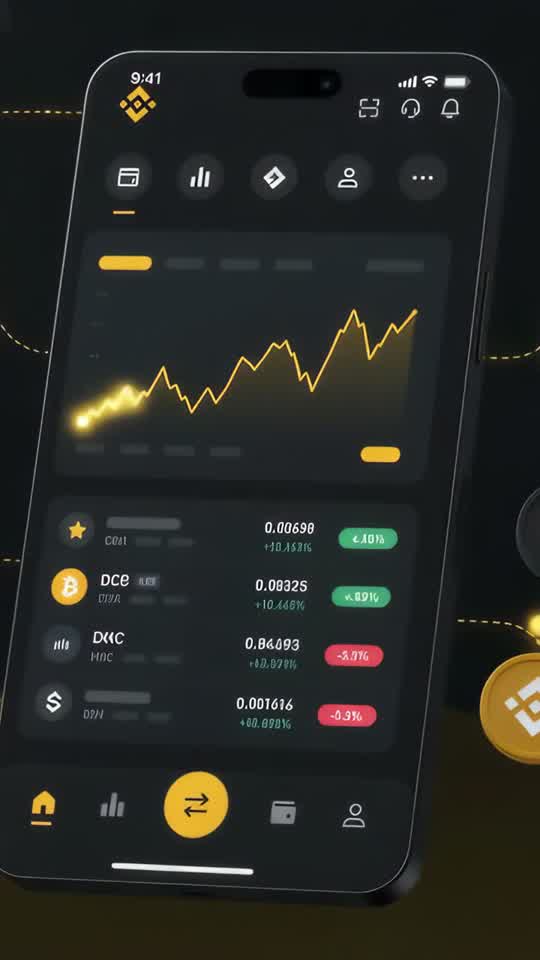


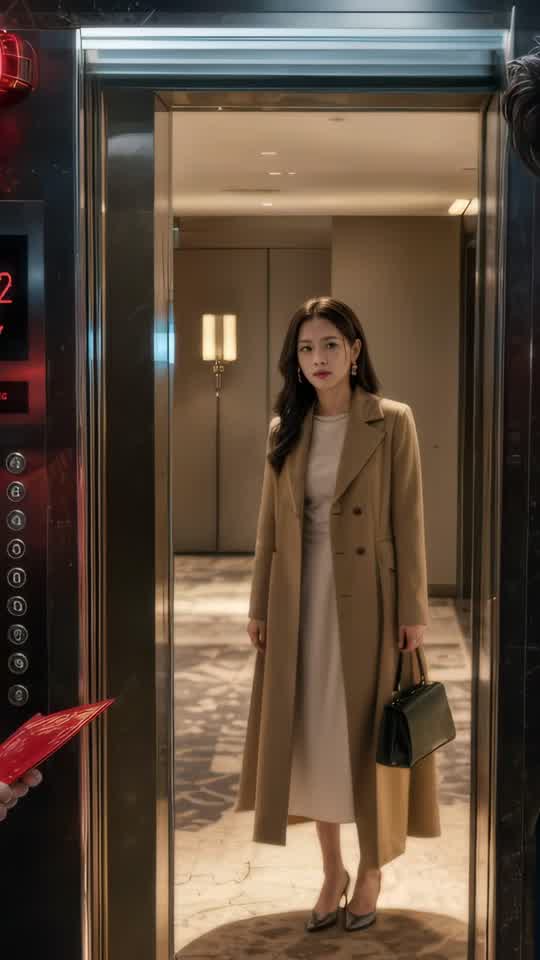





Craze creatively jams, researches and plans with you.
Craze generates anything imaginable. Video, audio, music, motion graphics and more.
Craze watches your footage and builds a final cut. With a real editor if you need it.
Every model here runs on every Craze plan, including Free, and Craze can use a different one for each shot.
| Kling 2.5 Turbo ProKuaishou | Seedance 2.5ByteDance Seed Team | Seedance 2.0ByteDance Seed Team | Seedance 2.0 FastByteDance Seed Team | |
|---|---|---|---|---|
| Makes | Text to video | Text + Image + Video + Audio to video | Text + Image + Video + Audio to video | Text + Image + Video + Audio to video |
| Quality | Up to 1080p | Up to 1080p | Up to 4K | Up to 720p |
| Length | Up to 10s per clip | Up to 30s per clip | Up to 15s per clip | Up to 15s per clip |
| Sound | — | Generated with the picture | Generated with the picture | Generated with the picture |
| From | $0.074 per second of video | $0.114 per second of video | $0.075 per second of video | $0.06 per second of video |
| Task | Inputs | Resolution | Length | Aspect ratios | Sound |
|---|---|---|---|---|---|
| Text to video | Text prompt | 1080p | 5, 10 s | 16:9, 9:16, 1:1 | None |
$0/ month
$19/ month
$59/ month
$199/ month
Kling 2.5 Turbo Pro trades bells and whistles for speed and affordability. It's the leanest member of the Kling 2 family and costs the least per second. For native audio, see Kling 2.6 Pro. If you're generating lots of rough cuts, stacking b-roll, or scoring video separately, Turbo Pro is the engine.
Kling 2.5 Turbo Pro costs significantly less than Kling 2.6 Pro or any Kling 3 model. By stripping out audio generation and image inputs, Kuaishou kept the price low without cutting quality. 1080p is still 1080p.
You write a prompt. Kling 2.5 Turbo Pro generates video. No image references to prepare, no audio choices to make. This simplicity also means faster generation time.
Most professionals score video after shooting. Kling 2.5 Turbo Pro produces clean visual footage for you to add voiceover, music, or sound effects. The silent canvas is a feature, not a limitation.
The quality is Kling, just without the extra overhead of audio or multi-modal inputs. For b-roll, background action, and establishing shots, 1080p Turbo is plenty.
Because you're scoring separately, put all your direction in the visual brief. Camera angle, motion, lighting, color tone, and composition all go into the prompt.
On Craze, Kling 2.5 Turbo Pro runs a single task: text-to-video. It accepts written prompts and generates 5- or 10-second 1080p silent clips.
Text-to-video is the only input mode. You don't upload images, reference videos, or other media. Just write your prompt, and Kling 2.5 Turbo Pro generates video. This focused scope is what keeps the model simple and affordable.
Audio is not generated, so you always get silent footage. This is intentional by design. You add music, voiceover, sound effects, and ambient sound in post-production editing.
Kling 2.5 Turbo Pro bills per second, starting at $0.074 per second of video. The available 5-second clip costs less than the 10-second clip.
Kling 2.5 Turbo Pro's simplified scope keeps the cost down. No audio generation, no multi-modal input processing, no motion transfer means fewer compute steps per generation.
Use the cost calculator on this page to estimate your project.
If you need lots of video in a short timeline, Kling 2.5 Turbo Pro lets you generate raw footage at a manageable cost per clip. Social creators, content agencies, and rapid-iteration teams can generate many takes and pick the best ones.
Musicians, sound designers, and voiceover artists often prefer to score their own footage rather than use generated audio. Kling 2.5 Turbo Pro provides clean visual raw material to work with. Add your custom music, Foley, dialogue, and sound design on top.
Documentaries, explainer videos, and narrative projects need layers of background action and establishing shots. Kling 2.5 Turbo Pro fills those layers at a reasonable per-second cost. Background video doesn't require audio generation or complex input handling.
Early in a project, test pacing and flow with rough cuts before committing to higher-resolution or more complex generations. Kling 2.5 Turbo Pro is the tool for quick iterations. Once your cut is locked, regenerate key shots at higher tiers if the project calls for it.
Kling 2.5 Turbo Pro lets teams stay within a tight budget while producing lots of video content. Teams that score in-house or have access to a music library can skip audio generation and use the savings.
Kling 2.6 Pro generates 1080p with native audio and accepts image references. Kling 2.5 Turbo Pro generates 1080p without audio and accepts text only. Kling 2.6 Pro costs roughly twice as much per second. Choose Kling 2.5 Turbo Pro when you're scoring separately. Choose Kling 2.6 Pro for native audio generation.
Kling 3 Standard supports text, image, and video inputs, including motion transfer. Kling 2.5 Turbo Pro accepts text only. Kling 3 models are more versatile. Kling 2.5 Turbo Pro costs less and is simpler. Choose Kling 2.5 Turbo Pro for single-task text-to-video on a budget. Choose Kling 3 when you need motion transfer or video input.
Describe what you want the way you would brief an editor, and Craze plans the shots and writes the Kling 2.5 Turbo Pro prompts for you. Every Craze plan, including Free, runs Kling 2.5 Turbo Pro and every other media model, and Craze can use a different one for each job. Each video lands on an editable timeline with your cuts, captions and music, ready to export as MP4. Generations come out of your plan's monthly credits, from $0.074 per second of video, with top-ups when you need more.
High-volume content creators: If you need lots of video in a short timeline, Kling 2.5 Turbo Pro lets you generate raw footage at a manageable cost per clip. Scoring specialists and sound designers: Musicians, sound designers, and voiceover artists often prefer to score their own footage rather than use generated audio. B-roll and background layers: Documentaries, explainer videos, and narrative projects need layers of background action and establishing shots. Test and rough-cut workflow: Early in a project, test pacing and flow with rough cuts before committing to higher-resolution or more complex generations.
Kling 2.5 Turbo Pro is Kuaishou's text-to-video model optimized for speed and cost. It generates 1080p video from text prompts only, without audio or image inputs.
Kling 2.5 Turbo Pro generates 1080p video, which is twice as sharp as 720p and is the standard for professional online video.
Kling 2.5 Turbo Pro accepts text prompts only. It does not support image references or video inputs.
Kling 2.5 Turbo Pro is built for pure speed. Generating video and audio together adds complexity and time. This model prioritizes fast, affordable video generation, leaving audio to the editor.
On Craze, Kling 2.5 Turbo Pro generates 5- or 10-second clips. For longer content, generate multiple clips and cut them together on the timeline.
Kling 2.5 Turbo Pro costs $0.074 per second of video on Craze, making it the most affordable Kling option. Use the cost calculator on this page to estimate your project.
every Craze plan, including Free include Kling 2.5 Turbo Pro.
Choose Kling 2.5 Turbo Pro when you want to generate lots of video quickly on a tight budget, and you don't need image references or native sound. It's ideal for base layers, b-roll, and rough cuts.
ByteDance Seed Team
From $0.114 per second of video
ByteDance Seed Team
From $0.075 per second of video
ByteDance Seed Team
From $0.06 per second of video







