AI models on Craze
Every video, image, voice, music and sound model Craze can direct, with what each one makes and what it costs.

Every video, image, voice, music and sound model Craze can direct, with what each one makes and what it costs.
Starts at$0.443 per second of video
Kuaishou's 4K video model for ultra-sharp output. Generate 3 to 15-second clips from text and images at four times the resolution of 1080p.
This is full 4K from the model, not upscaling a 1080p output.
When video is treated as moving photography, 4K is expected.
4K looks its best on 4K monitors, 65-inch+ TVs, and cinema projectors.
Some broadcast clients, streaming platforms, and high-end production houses expect 4K masters.

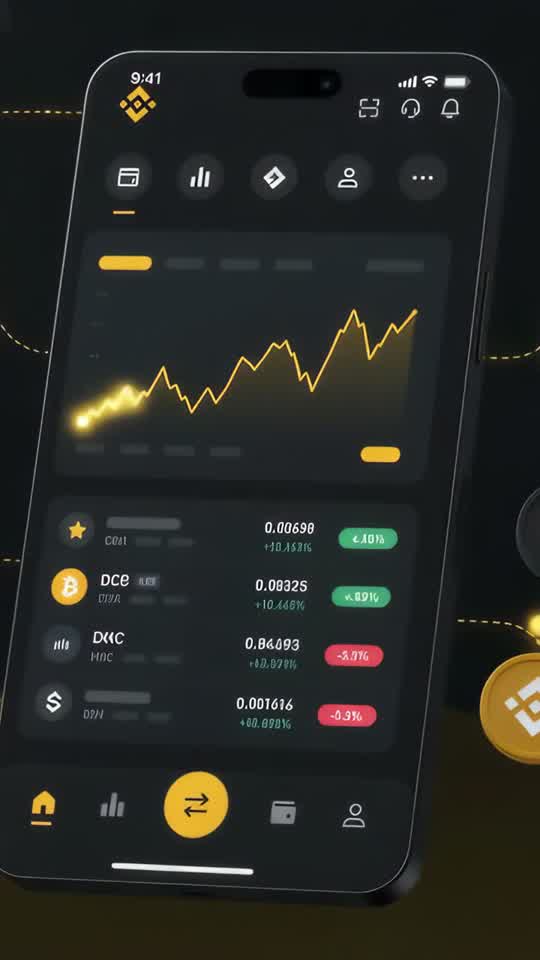


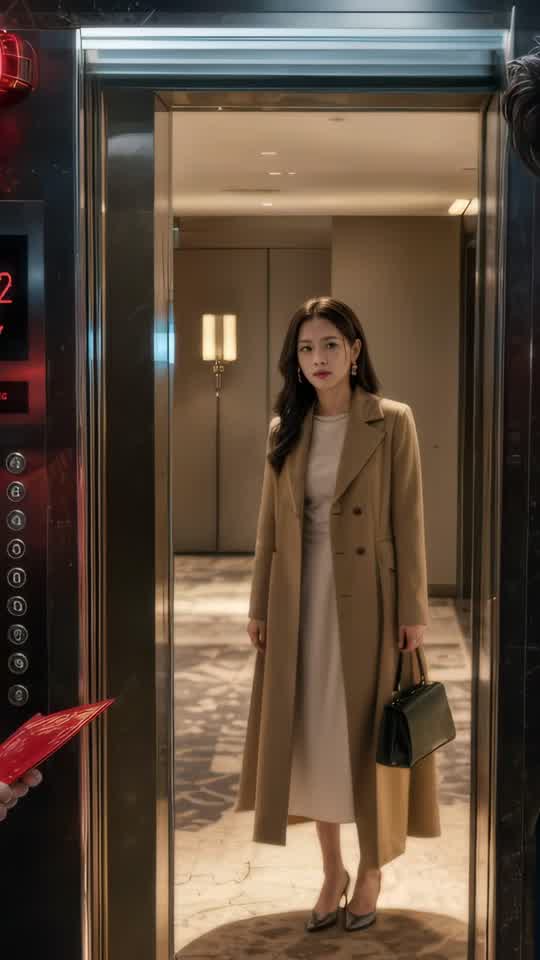





Craze creatively jams, researches and plans with you.
Craze generates anything imaginable. Video, audio, music, motion graphics and more.
Craze watches your footage and builds a final cut. With a real editor if you need it.
Every model here runs on every Craze plan, including Free, and Craze can use a different one for each shot.
| Kling 3 4KKuaishou | Seedance 2.5ByteDance Seed Team | Seedance 2.0ByteDance Seed Team | Seedance 2.0 FastByteDance Seed Team | |
|---|---|---|---|---|
| Makes | Text + Image to video | Text + Image + Video + Audio to video | Text + Image + Video + Audio to video | Text + Image + Video + Audio to video |
| Quality | Up to 4K | Up to 1080p | Up to 4K | Up to 720p |
| Length | Up to 15s per clip | Up to 30s per clip | Up to 15s per clip | Up to 15s per clip |
| Sound | Generated with the picture | Generated with the picture | Generated with the picture | Generated with the picture |
| From | $0.443 per second of video | $0.114 per second of video | $0.075 per second of video | $0.06 per second of video |
| Task | Inputs | Resolution | Length | Aspect ratios | Sound |
|---|---|---|---|---|---|
| Text to video | Text prompt | 4k | 3 to 15 s | Follows the input | On or off |
| Image to video | First frame, Last frame | 4k | 3 to 15 s | Follows the input | On or off |
$0/ month
$19/ month
$59/ month
$199/ month
Kling 3 4K is for work where resolution isn't a luxury, it's a requirement. When your video will be displayed on a massive screen, printed as stills, or scrutinized for detail, 4K separates professional from good enough. For lower-cost options, see Kling 3 Standard and Kling 3 Pro.
This is full 4K from the model, not upscaling a 1080p output. Every frame captures the detail that 4K resolution can hold. Textures, fabric, skin, reflections, and fine movement all render with precision.
When video is treated as moving photography, 4K is expected. Real estate tours, luxury product photography, fashion, and architectural content all benefit from the clarity. A fabric weave, a water texture, or a landscape detail matters.
4K looks its best on 4K monitors, 65-inch+ TVs, and cinema projectors. If your content plays in those environments, 4K justifies the cost. On a phone, the difference is less apparent.
Some broadcast clients, streaming platforms, and high-end production houses expect 4K masters. Kling 3 4K gives you that without post-production scaling.
Because 4K generation takes longer and costs more, be very specific in your brief. "Luxury watch on a marble table with warm sunlight" works better than "nice product shot."
On Craze, Kling 3 4K runs two core tasks: text-to-video and image-to-video, both at native 4K resolution. Unlike Standard and Pro, Kling 3 4K does not include motion transfer. Clips range from 3 to 15 seconds for both tasks.
Text-to-video accepts a written prompt and generates 4K footage. Image-to-video starts from a static image and extends it into motion. Image-to-video requires a first frame and can optionally include a last frame; text-to-video takes no image inputs to control how the video begins and ends, helping maintain continuity if you're building longer sequences from multiple generations.
Audio is optional on Craze for Kling 3 4K, so you can generate sound synchronized with the video or create silent footage to score separately.
Kling 3 4K is the most expensive Kling 3 tier, costing $0.443 per second of video on Craze. The higher per-second rate reflects 4K resolution, which is four times the pixels of 1080p. Generating, storing, and processing 4K video requires significantly more compute than lower tiers.
The rate card has one per-second rate with no audio price axis. Clip length is the primary cost driver: a 3-second clip costs less than a 15-second clip. Unlike lower tiers, Kling 3 4K doesn't support motion transfer, so you're not paying for the additional complexity that task requires.
4K files are substantially larger than 1080p or 720p, which affects generation time and storage. A 15-second 4K clip can be several gigabytes, so plan your project timeline accordingly. First and last frame guidance doesn't change the price; it's an option to improve continuity without additional cost.
Use the cost calculator on this page to plan your 4K budget before generating. The higher per-second rate means 4K projects require more careful planning than lower-resolution tiers.
Filmmakers, production studios, and creators making cinema-quality content need 4K masters for theatrical release, streaming platforms, and festival submissions. Kling 3 4K delivers the resolution that meets professional production standards.
Fashion, jewelry, luxury goods, and beauty brands expect 4K production quality. Kling 3 4K lets AI-generated content match the production value of professional photography. Fine detail in fabric weave, metal finish, gemstone reflection, and product color accuracy all benefit from 4K resolution.
Architectural photography and luxury real estate tours benefit enormously from 4K. The clarity and detail help buyers and viewers trust the property quality and appreciate spatial proportions. Every room surface, material finish, and decorative detail reads sharply.
If your video will be printed as a still for advertising, cropped for posters, or displayed on 65-inch+ screens or cinema projectors, 4K gives you enough pixels to maintain quality through post-production cropping and enlargement. Small crops from 4K footage remain sharp, while the same crop from 1080p or 720p shows visible pixelation.
High-end e-commerce sites and luxury goods retailers display 4K product video to build confidence in quality. Customers can zoom and examine detail, which demands true 4K resolution rather than upscaled lower-resolution footage.
Kling 3 Pro generates 1080p and supports text, image, and video inputs including motion transfer. Kling 3 4K generates native 4K but accepts only text and image input. Pro costs roughly 2.5x less per second than 4K. Choose Pro for motion transfer and video input support. Choose 4K for maximum resolution.
Standard generates 720p at the lowest per-second rate and includes motion transfer. 4K generates at the highest per-second rate without motion transfer. Standard costs roughly 3.5x less per second than 4K. Choose Standard for social video and web content. Choose 4K when ultra-sharp resolution is a project requirement.
Describe what you want the way you would brief an editor, and Craze plans the shots and writes the Kling 3 4K prompts for you. Every Craze plan, including Free, runs Kling 3 4K and every other media model, and Craze can use a different one for each job. Each video lands on an editable timeline with your cuts, captions and music, ready to export as MP4. Generations come out of your plan's monthly credits, from $0.443 per second of video, with top-ups when you need more.
Cinema and high-end production: Filmmakers, production studios, and creators making cinema-quality content need 4K masters for theatrical release, streaming platforms, and festival submissions. Luxury and fashion brands: Fashion, jewelry, luxury goods, and beauty brands expect 4K production quality. Real estate and architecture: Architectural photography and luxury real estate tours benefit enormously from 4K. Vertical print or large format display: If your video will be printed as a still for advertising, cropped for posters, or displayed on 65-inch+ screens or cinema projectors, 4K gives you enough pixels to maintain quality through post-production cropping and enlargement.
Kling 3 4K is Kuaishou's 4K video generation model. It creates ultra-sharp video clips from text prompts and image references on Craze.
Kuaishou released Kling 3 4K on February 4, 2026, as part of the Kling 3.0 family.
Kling 3 4K generates native 4K video (4096 x 2160). That's four times the resolution of 1080p, making every frame incredibly detailed.
Yes. On Craze, audio is optional. Kling 3 4K can generate sound with the picture or create a silent clip for you to score later.
Kling 3 4K accepts text prompts and image references. Unlike lower tiers, it does not support video input or motion transfer.
On Craze, Kling 3 4K clips range from 3 to 15 seconds. For longer content, generate multiple clips and cut them together on the timeline.
Kling 3 4K costs $0.443 per second of video on Craze. 4K generation costs more per second than 720p or 1080p because of the much higher resolution. Use the cost calculator on this page to estimate your project.
every Craze plan, including Free include Kling 3 4K.
Use Kling 3 4K when you need ultra-sharp output for large displays, cinema, or photo-quality images. Use Kling 3 Pro (1080p) for most online video, social media, and broadcast work, where 4K is overkill and costs significantly more.
ByteDance Seed Team
From $0.114 per second of video
ByteDance Seed Team
From $0.075 per second of video
ByteDance Seed Team
From $0.06 per second of video







