AI models on Craze
Every video, image, voice, music and sound model Craze can direct, with what each one makes and what it costs.

Every video, image, voice, music and sound model Craze can direct, with what each one makes and what it costs.
Starts at$0.032 per second of video
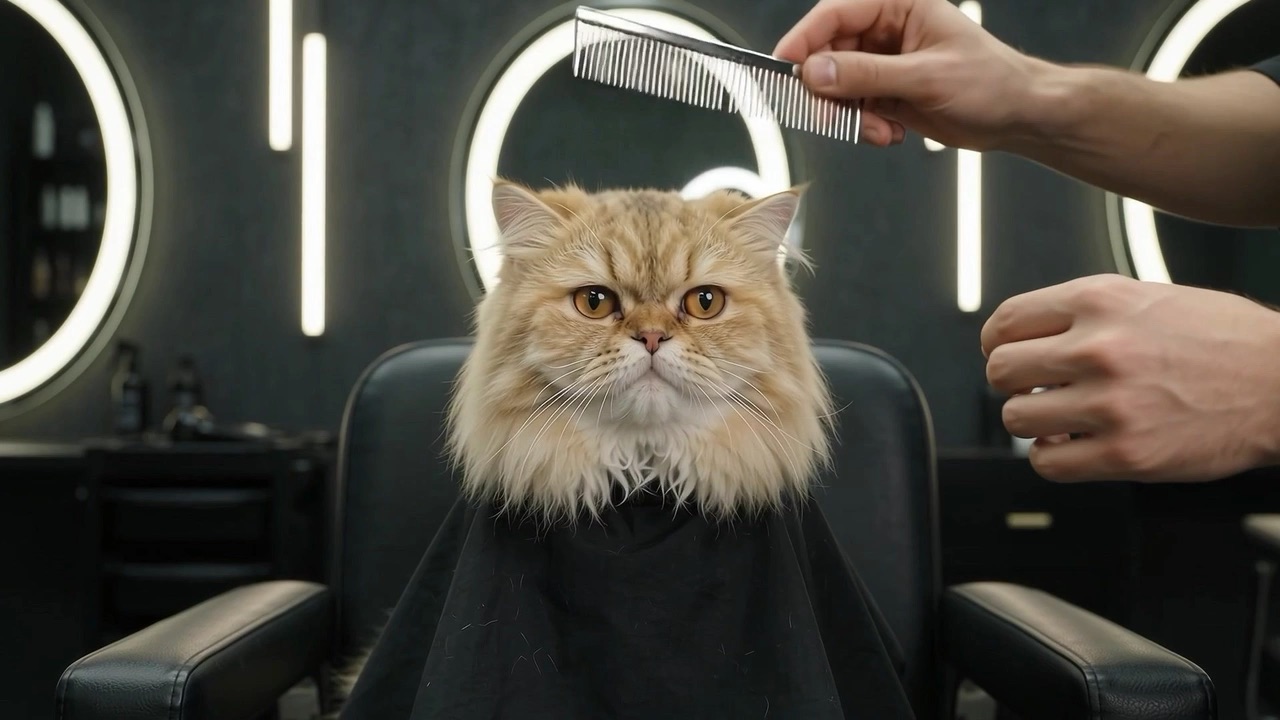
Google's multimodal video model that takes text, images, and video in one prompt and produces 4K video with sound included. Strong at character consistency and physics accuracy.
Most models either skip audio or add it later.
Feed it character reference images and location stills, and Gemini Omni Flash keeps them consistent across the full clip.
Describe the shot in words, provide reference images, include a video clip as direction, and Gemini Omni Flash takes all of it at once.
Gemini Omni Flash can edit video you give it.

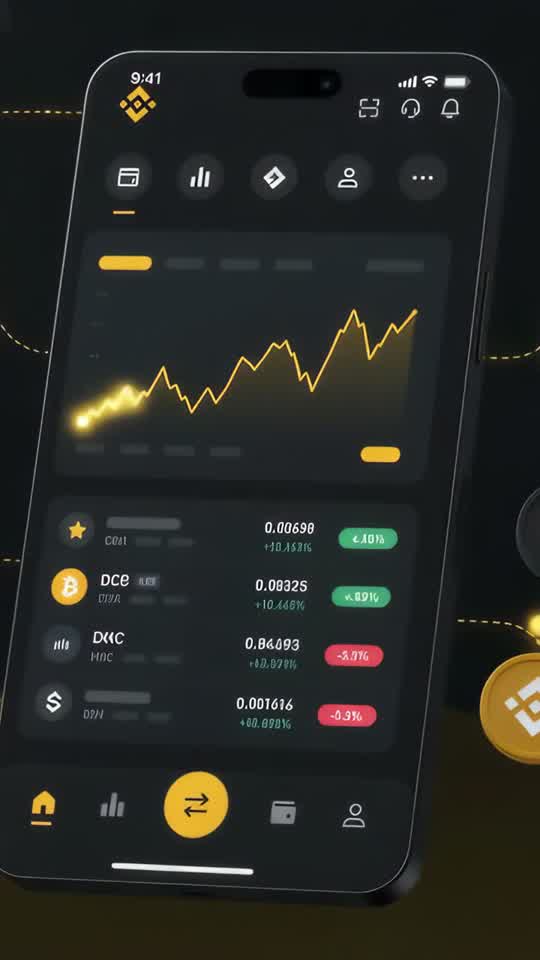

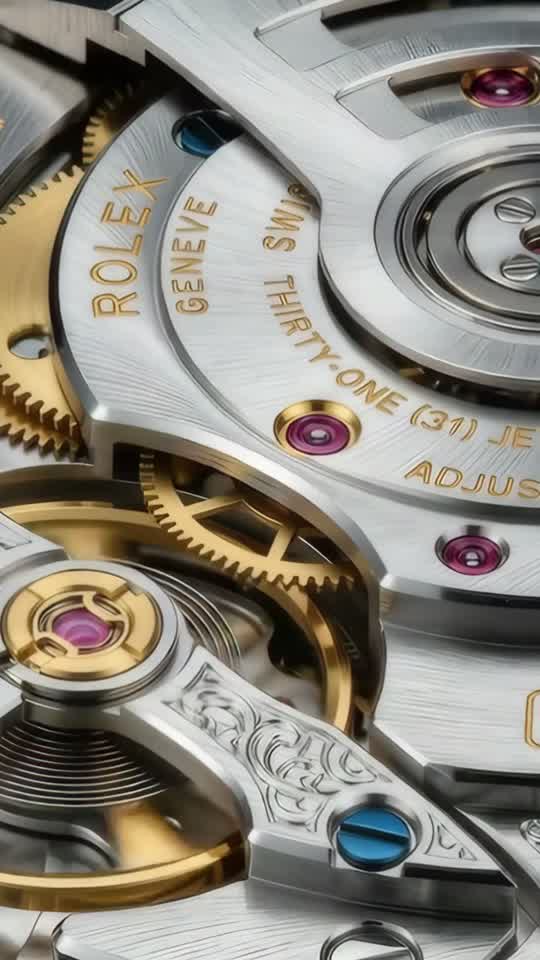
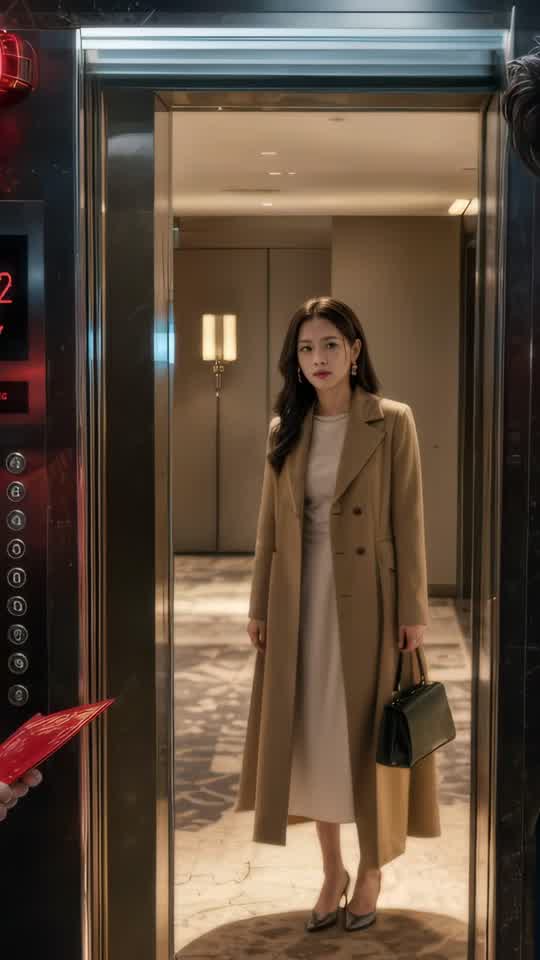





Craze creatively jams, researches and plans with you.
Craze generates anything imaginable. Video, audio, music, motion graphics and more.
Craze watches your footage and builds a final cut. With a real editor if you need it.
Every model here runs on every Craze plan, including Free, and Craze can use a different one for each shot.
| Gemini Omni FlashGoogle | Seedance 2.5ByteDance Seed Team | Seedance 2.0ByteDance Seed Team | Seedance 2.0 FastByteDance Seed Team | |
|---|---|---|---|---|
| Makes | Text + Image + Video to video | Text + Image + Video + Audio to video | Text + Image + Video + Audio to video | Text + Image + Video + Audio to video |
| Quality | Up to 4K | Up to 1080p | Up to 4K | Up to 720p |
| Length | Up to 10s per clip | Up to 30s per clip | Up to 15s per clip | Up to 15s per clip |
| Sound | Generated with the picture | Generated with the picture | Generated with the picture | Generated with the picture |
| From | $0.032 per second of video | $0.114 per second of video | $0.075 per second of video | $0.06 per second of video |
| Task | Inputs | Resolution | Length | Aspect ratios | Sound |
|---|---|---|---|---|---|
| Text to video | Text prompt | 360p, 720p, 1080p, 4k | 3 to 10 s | 16:9, 9:16 | Always generated |
| Image to video | First frame, Last frame | 360p, 720p, 1080p, 4k | 3 to 10 s | 16:9, 9:16 | Always generated |
| Reference to video | Reference | 360p, 720p, 1080p, 4k | 3 to 10 s | 16:9, 9:16 | Always generated |
| Video editing | Video | 360p, 720p, 1080p, 4k | Set by the source | Follows the input | Always generated |
$0/ month
$19/ month
$59/ month
$199/ month
Gemini Omni Flash is Google's general-purpose video model, built to handle multiple input types at once. It takes text, images, and video references in a single shot, keeps characters consistent, and generates 4K with sound included every time. Gemini Omni Flash reached general availability in August 2026 after rolling out through Google I/O.
Most models either skip audio or add it later. Gemini Omni Flash bundles 4K video and synced sound together. No separate audio generation, no sync problems. The sound is semantic to the action, not a generic bed track. Dialogue matches character motion, ambient sound reflects the environment, and effects are timed to the visuals.
Feed it character reference images and location stills, and Gemini Omni Flash keeps them consistent across the full clip. The same character's face stays the same from frame one to frame ten. This consistency works across multiple characters in the same shot and across multiple shots in a sequence.
Describe the shot in words, provide reference images, include a video clip as direction, and Gemini Omni Flash takes all of it at once. No pipelining, no format debates. You can mix text, images, and video references in whatever combination makes sense for your creative direction.
Gemini Omni Flash can edit video you give it. Apply a style, cut out a section, change the mood, or restyle existing footage. It's not just generation, it's post-production in one call. This is useful for correcting a shot or applying a visual treatment without leaving Craze.
You describe the video and add your references. Craze handles the rest.
For character-driven work, provide reference images early and Craze will pass them to Gemini Omni Flash to maintain consistency. For video editing, upload the clip you want to restyle or modify and describe the change you want.
Gemini Omni Flash supports text-to-video, image-to-video, video editing, and video extension. The model generates 3 to 10-second clips with sound always included. You can describe abstract concepts or specific scenes, and the model produces video with proper physics, perspective, and motion.
The model excels at character consistency when you provide reference images, spatial reasoning with multiple objects and environments, and natural motion. The audio is semantically linked to the action, so dialogue lip-syncs and ambient sound matches the setting. Craze runs these tasks when you ask for them by name.
You pay per second of video. $0.032 per second of video, with pricing that changes by resolution. Clips can range from 3 to 10 seconds on Craze. The cost calculator on this page shows exact rates for your clip.
Sound is included in every generation. Editing and reference tasks use the same per-second billing. Craze does not expose video extension for this model.
When the same character needs to appear across multiple shots or scenes, Gemini Omni Flash keeps them consistent. Use character reference images and it holds that identity throughout. This is critical for animated stories, branded content, and character-centric commercials.
Most tools add sound later. Gemini Omni Flash bakes it in, so dialogue, ambience, and effects sync perfectly without extra work. For creators who want complete audio-visual ideas in one pass, this is a major efficiency gain.
Sometimes you have photos, sometimes video, sometimes just words. Gemini Omni Flash takes all three at once and doesn't care which you use. You can mix a character photo, a location still, a style reference, and a detailed text prompt in one generation.
When you need to edit existing video, apply a style change, or rework a shot, Gemini Omni Flash handles it in the model itself. No separate editing tool needed.
Gemini Omni Flash is the default choice when you need consistency and sound in one pass. It's 4K, it handles references, and the video editing features give you extra control.
Compare to Veo 3.1, which reaches 4K with superior video extension capabilities and up to 8-second clips. Compare to Grok Imagine 1.5, which is more compact and fast but focuses on image-to-video. For character consistency, sound generation, and mixed input types, Gemini Omni Flash is the most versatile choice on Craze.
Describe what you want the way you would brief an editor, and Craze plans the shots and writes the Gemini Omni Flash prompts for you. Every Craze plan, including Free, runs Gemini Omni Flash and every other media model, and Craze can use a different one for each job. Each video lands on an editable timeline with your cuts, captions and music, ready to export as MP4. Generations come out of your plan's monthly credits, from $0.032 per second of video, with top-ups when you need more.
Character-driven narrative work: When the same character needs to appear across multiple shots or scenes, Gemini Omni Flash keeps them consistent. Projects that need sound on set: Most tools add sound later. Creators with mixed reference types: Sometimes you have photos, sometimes video, sometimes just words. Video editing and restyling work: When you need to edit existing video, apply a style change, or rework a shot, Gemini Omni Flash handles it in the model itself.
Gemini Omni Flash is Google's video model that takes text, images, and video in a single prompt and generates 4K video with sound included. It's built for character consistency and accurate physics.
Google announced Gemini Omni at Google I/O on May 19, 2026, and began rolling it out to users immediately. It reached general availability on August 27, 2026.
360p, 720p, 1080p, or 4K. Gemini Omni Flash reaches full 4K resolution with every generation.
Each clip runs 3 to 10 seconds. For longer projects, Craze generates several clips and cuts them together on the timeline.
Yes. Gemini Omni Flash takes image references and video references in the same generation, keeping characters and environments consistent across the clip.
Yes, sound is always included. Gemini Omni Flash bundles audio with the video, so every clip has synced dialogue, ambient sound, and effects baked in.
Yes, Gemini Omni Flash can edit existing video, applying style changes or making cuts to suit your direction. Craze runs these tasks when you ask for them.
$0.032 per second of video. The rate depends on the resolution and the length of the clip. Use the cost calculator on this page for exact pricing.
every Craze plan, including Free. Every paid plan includes monthly credits that cover Gemini Omni Flash generations.
ByteDance Seed Team
From $0.114 per second of video
ByteDance Seed Team
From $0.075 per second of video
ByteDance Seed Team
From $0.06 per second of video






