AI models on Craze
Every video, image, voice, music and sound model Craze can direct, with what each one makes and what it costs.

Every video, image, voice, music and sound model Craze can direct, with what each one makes and what it costs.
Starts at$0.443 per second of video
Kuaishou's unified multimodal model at 4K resolution. Generate and transform text and image inputs to ultra-sharp video.
This is full 4K from the model, not upscaling.
Show Kling O3 4K a color palette, lighting style, composition, or mood board, and it generates video that matches those references.
Text-to-video and image-to-video both output 4K.
Cinema, luxury brands, and high-end production work often require 4K masters.

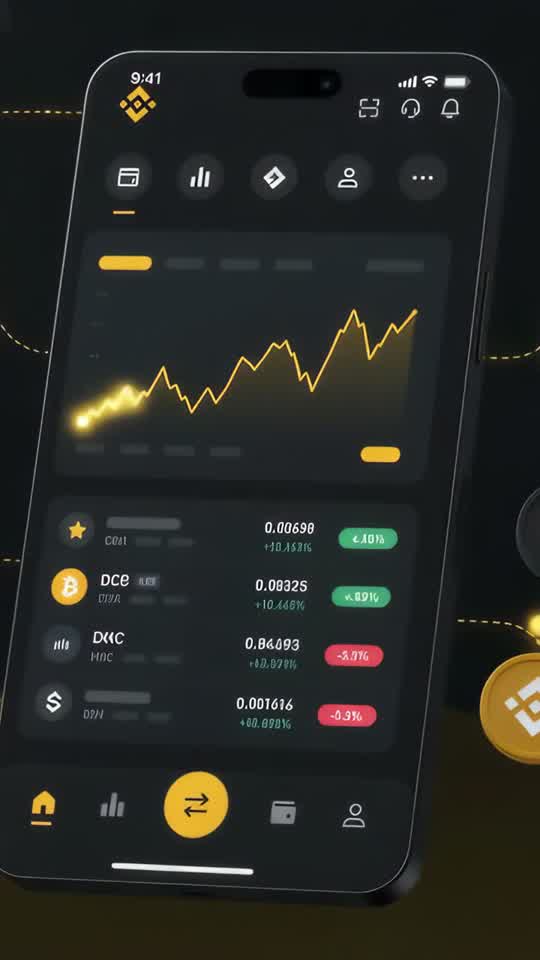


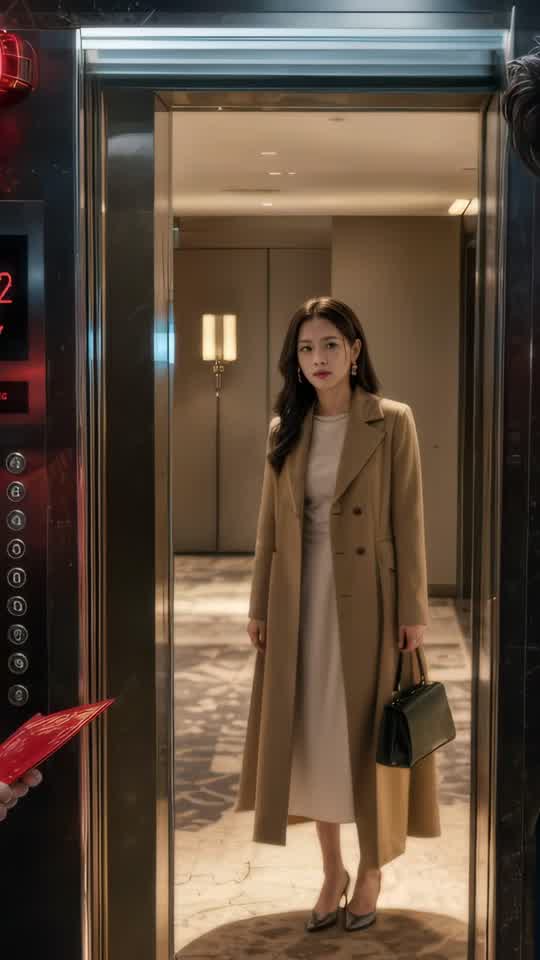





Craze creatively jams, researches and plans with you.
Craze generates anything imaginable. Video, audio, music, motion graphics and more.
Craze watches your footage and builds a final cut. With a real editor if you need it.
Every model here runs on every Craze plan, including Free, and Craze can use a different one for each shot.
| Kling O3 4KKuaishou | Seedance 2.5ByteDance Seed Team | Seedance 2.0ByteDance Seed Team | Seedance 2.0 FastByteDance Seed Team | |
|---|---|---|---|---|
| Makes | Text + Image to video | Text + Image + Video + Audio to video | Text + Image + Video + Audio to video | Text + Image + Video + Audio to video |
| Quality | Up to 4K | Up to 1080p | Up to 4K | Up to 720p |
| Length | Up to 15s per clip | Up to 30s per clip | Up to 15s per clip | Up to 15s per clip |
| Sound | Generated with the picture | Generated with the picture | Generated with the picture | Generated with the picture |
| From | $0.443 per second of video | $0.114 per second of video | $0.075 per second of video | $0.06 per second of video |
| Task | Inputs | Resolution | Length | Aspect ratios | Sound |
|---|---|---|---|---|---|
| Text to video | Text prompt | 4k | 3 to 15 s | Follows the input | On or off |
| Image to video | First frame, Last frame | 4k | 3 to 15 s | Follows the input | On or off |
| Reference to video | Reference | 4k | 3 to 15 s | Follows the input | On or off |
$0/ month
$19/ month
$59/ month
$199/ month
Kling O3 4K is the peak of the Kling lineup. Native 4K from a unified multimodal model means ultra-sharp output and broad input flexibility. When resolution is non-negotiable, this is the choice.
This is full 4K from the model, not upscaling. Every generation produces 4096 x 2160 resolution. Textures, fine detail, and subtle movement all render with precision.
Show Kling O3 4K a color palette, lighting style, composition, or mood board, and it generates video that matches those references. Perfect for maintaining visual consistency across a project or recreating a specific cinematic look.
Text-to-video and image-to-video both output 4K. Reference-to-video also runs at 4K. One model, multiple tasks, peak resolution across all of them.
Cinema, luxury brands, and high-end production work often require 4K masters. Kling O3 4K delivers that without post-production scaling.
Fashion, jewelry, luxury goods, architecture, and real estate all benefit from 4K. Every thread, reflection, material, and surface stays sharp.
Because 4K generation takes time and costs more, invest in writing a precise brief. "Luxury watch on Italian marble with warm sunlight, shallow focus on the dial" is better than "nice product shot."
On Craze, Kling O3 4K handles three distinct tasks at 4K resolution. Text-to-video generates new clips from 3 to 15 seconds with optional audio. Image-to-video starts from a static image and extends it into motion, also with optional audio. Reference-to-video takes visual reference material and generates new 4K footage guided by those references.
All three tasks can optionally include audio generation. Unlike the other O3 models, Kling O3 4K does not support video input or video-to-video transformation. It's focused purely on generation tasks.
All tasks output native 4K video (4096 x 2160), providing the highest resolution in the Kling lineup.
Kling O3 4K is the most expensive Kling option on Craze, costing $0.443 per second of video. The higher per-second rate reflects native 4K resolution, which is four times the pixels of 1080p and sixteen times the resolution of 720p.
For generation tasks (text-to-video, image-to-video, reference-to-video), audio is optional on Craze, and enabling audio adds approximately 50% to the per-second rate. Clip length is the primary cost driver: a 3-second clip costs less than a 15-second clip at the same audio setting.
4K files are substantially larger than lower resolutions, which affects generation time and storage. A 15-second 4K clip can exceed several gigabytes, so plan your project timeline accordingly. Use the cost calculator on this page to estimate your 4K budget before generating and to compare costs across the three available tasks.
Filmmakers, studios, and production companies making cinema-quality work need 4K masters. Kling O3 4K delivers theatrical-grade resolution.
Luxury goods, high-end fashion, jewelry, and luxury automotive all expect 4K quality. Kling O3 4K ensures AI-generated content matches production value.
Architectural photography, luxury real estate tours, and property showcases benefit enormously from 4K clarity. Every room, material, and detail looks professional.
Content intended for projection, large displays, or theatrical screening needs 4K to avoid visible pixelation. Kling O3 4K provides that foundation.
When video will be printed as stills or cropped for marketing, 4K gives you enough pixels. Small selections from 4K footage often look better than full-frame 1080p.
Kling O3 Pro generates 1080p and includes all five tasks: generation, video-to-video, and video editing. Kling O3 4K generates native 4K but text and images only. Pro is more versatile. 4K is sharper. Choose Pro for editing. Choose 4K for peak resolution.
Kling 3 4K generates 4K from text and images. Kling O3 4K generates 4K from text and images, plus includes reference-to-video. Both cost the same per second. Kling O3 4K offers more capability with reference guidance. Choose Kling O3 4K for reference support. Choose Kling 3 4K for straightforward generation.
Kling O3 Standard generates 720p and includes all five tasks. Kling O3 4K generates native 4K but text and images only. Standard is more versatile. 4K is sharper. Choose Standard for broad task support. Choose 4K for peak resolution.
Describe what you want the way you would brief an editor, and Craze plans the shots and writes the Kling O3 4K prompts for you. Every Craze plan, including Free, runs Kling O3 4K and every other media model, and Craze can use a different one for each job. Each video lands on an editable timeline with your cuts, captions and music, ready to export as MP4. Generations come out of your plan's monthly credits, from $0.443 per second of video, with top-ups when you need more.
Cinema and high-end production: Filmmakers, studios, and production companies making cinema-quality work need 4K masters. Luxury and premium brands: Luxury goods, high-end fashion, jewelry, and luxury automotive all expect 4K quality. Real estate and architecture: Architectural photography, luxury real estate tours, and property showcases benefit enormously from 4K clarity. Digital cinema and projection: Content intended for projection, large displays, or theatrical screening needs 4K to avoid visible pixelation.
Kling O3 4K is Kuaishou's unified multimodal model at native 4K resolution. It generates ultra-sharp video from text and image references, and supports reference-to-video transformation.
Kuaishou released Kling O3 4K as part of the Kling O3 unified multimodal model family.
Kling O3 4K generates native 4K video (4096 x 2160). That's four times the resolution of 1080p and sixteen times the resolution of 720p.
Reference-to-video on Kling O3 4K takes visual references you provide and generates new video based on them. Show the model a style, color palette, lighting mood, or composition, and Kling O3 4K creates original footage inspired by those references.
Yes. On Craze, audio is optional. Kling O3 4K can generate sound with the video or create silent 4K footage for you to score separately.
Kling O3 4K accepts text prompts and image references. It does not support video input or video-to-video transformation.
On Craze, clips range from 3 to 15 seconds. For longer content, generate multiple clips and edit them together on the timeline.
Kling O3 4K costs $0.443 per second of video on Craze. Native 4K generation is the most expensive Kling option. Use the cost calculator on this page to estimate your project.
every Craze plan, including Free include Kling O3 4K.
ByteDance Seed Team
From $0.114 per second of video
ByteDance Seed Team
From $0.075 per second of video
ByteDance Seed Team
From $0.06 per second of video







