

GPT Image 2.6 Flare
Starts at $0.039 per image
OpenAI's everyday image generator built for quality and fast generation. Use Flare for character sheets, product mockups, and routine edits.
What GPT Image 2.6 Flare is good at
High quality at everyday speed
Flare doesn't cut corners on quality.
Text rendering and reference image support
Flare handles text-based prompts well and takes direction from reference images.
Fast image editing for everyday work
Edit existing images quickly by describing what you want to change.
Rapid asset generation and variation exploration
Build character sheets, product mockups, location stills, and UI mockups in one session.
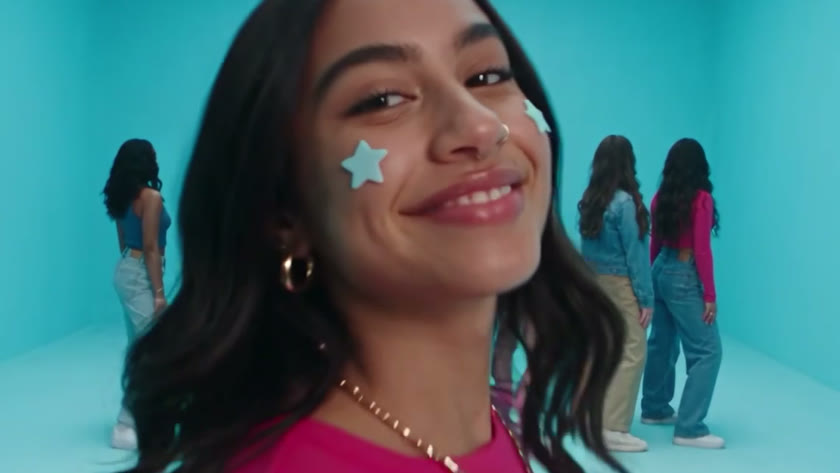
Direct. Create. Edit.
Stop prompting. Start directing.
Craze creatively jams, researches and plans with you.
Create tasteful content.
Craze generates anything imaginable. Video, audio, music, motion graphics and more.
Edit videos in minutes. Not days.
Craze watches your footage and builds a final cut. With a real editor if you need it.
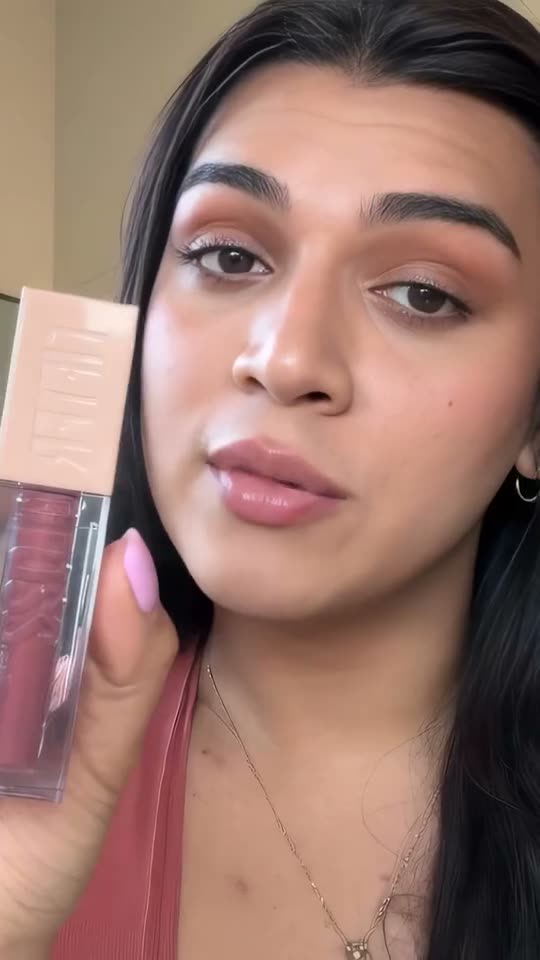
Make videos people watch
- UGC videos
- Motion graphics
- Feature films
- Product visualization
- Micro dramas
- 3D films
- Music videos
- Brand films
- Wedding highlights
- YouTube reviews





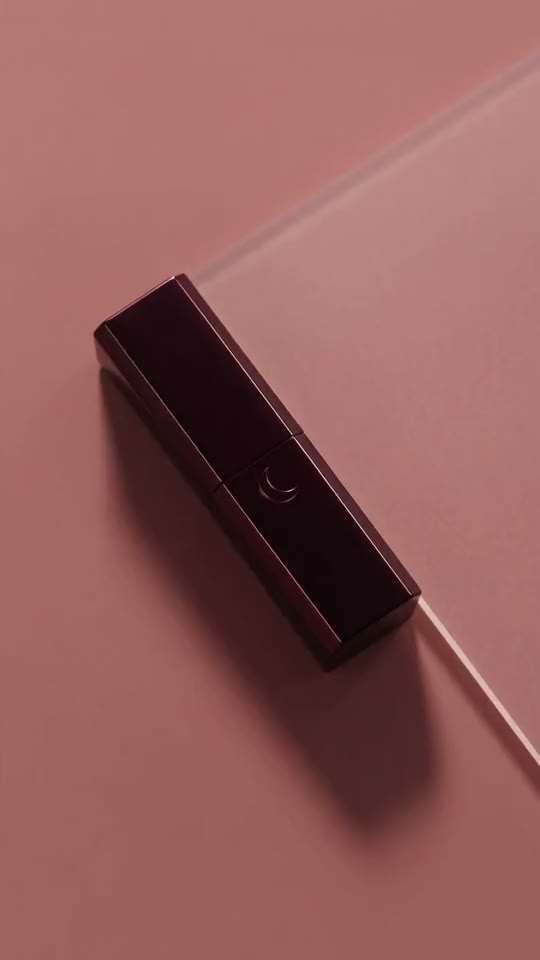

How GPT Image 2.6 Flare compares
Every model here runs on every Craze plan, including Free, and Craze can use a different one for each shot.
| GPT Image 2.6 FlareOpenAI | GPT Image 2.6 SunburstOpenAI | Nano Banana 2.1Google | Nano Banana 2Google | |
|---|---|---|---|---|
| Makes | Text + Image to image | Text + Image to image | Text + Image to image | Text + Image to image |
| Quality | Up to 1K | Up to 1K | Up to 4K | Up to 4K |
| From | $0.039 per image | $0.039 per image | $0.044 per image | $0.081 per image |
GPT Image 2.6 Flare specs on Craze
| Task | Inputs | Resolution | Aspect ratios | Sound |
|---|---|---|---|---|
| Text to image | Text prompt | 1k | 16:9, 4:3, 3:2, 1:1, 2:3, 3:4, 9:16 | None |
| Image editing | Image, Mask | 1k | 16:9, 4:3, 3:2, 1:1, 2:3, 3:4, 9:16 | None |
Choose the plan for your next creation.
Free
$0 / month
- Limited usage
- Access to all media models
- Efficient chat tier
- 1 GB of storage
- Craze MCP
- Exports up to 720p
- Top up additional credits
Pro
$19 / month
- $19 of credits every month
- Access to all media models
- Every chat tier
- 50 GB of storage
- Craze MCP
- No resolution limits on exports
- Top up additional credits
Ultra
$59 / month
- $59 of credits every month
- Access to all media models
- Every chat tier
- 200 GB of storage
- Craze MCP
- No resolution limits on exports
- Top up additional credits
Max
$199 / month
- $199 of credits every month
- Access to all media models
- Every chat tier
- 1 TB of storage
- Craze MCP
- No resolution limits on exports
- Top up additional credits
Frequently asked questions
GPT Image 2.6 Flare is OpenAI's everyday image generator, built for speed without sacrificing quality. Flare is optimized for fast iteration, making it ideal for exploratory work, character sheets, mockups, and routine editing. It trades some of the precision focus of Sunburst for generation speed, making it the everyday default for most creative work.
Why creators choose GPT Image 2.6 Flare
Flare is the default choice for most work because it balances quality with generation speed, letting you iterate quickly and build a project faster. When you're exploring directions, building asset libraries, or editing routine work, Flare enables you to move through concepts and refinements without context-switching. The model delivers on-brand work while staying responsive to iteration.
High quality at everyday speed
Flare doesn't cut corners on quality. It delivers sharp, detailed images at speeds optimized for iteration. Generate character sheets, mockups, and style explorations and immediately see what works. Speed enables you to try multiple directions in the same session. This is the difference between exploring two variations per day and exploring ten: iteration speed compounds into better work because you can respond to feedback in real time and stay immersed in the project without distraction.
Text rendering and reference image support
Flare handles text-based prompts well and takes direction from reference images. Give it a mood board or product photo and it draws on it to keep your work consistent. Reference guidance is built in, so you can maintain brand consistency without sacrificing speed.
Fast image editing for everyday work
Edit existing images quickly by describing what you want to change. Flare understands directives like "brighten the background" or "add a shadow" and applies them cleanly. Mask an area to keep edits tight, or describe the area and let Flare infer it.
Rapid asset generation and variation exploration
Build character sheets, product mockups, location stills, and UI mockups in one session. Flare's generation speed lets you explore multiple variations and find what works. This iteration speed multiplies the value of each session because you can try different directions, refine based on results, and finalize work all without context switching or waiting between attempts.
How to use GPT Image 2.6 Flare in Craze
- Start a project and describe what you want to create, or upload an image to edit.
- Add reference images if you're working from an existing style, character, or product line. Flare uses them to maintain consistency without slowing generation.
- Name GPT Image 2.6 Flare and Craze uses it. If you don't name a model, Craze shows you compatible options with prices before it plans.
- Review the result. Regenerate quickly if it misses. Explore variations. Keep what lands and move forward.
Be specific in your brief. "A heroic pose with confident expression, warm studio lighting" gets you closer than "make it dramatic." Flare responds to direction but rewards specificity.
GPT Image 2.6 Flare pricing
You pay $0.039 per image to generate from text. An edit costs more: each image it works from, including the one you're editing, adds to the price. Aspect ratio doesn't change the cost. Use the cost calculator on this page to see what an edit with your images costs.
Who GPT Image 2.6 Flare is for
Character and style sheet creation
Build character sheets, costume options, and location stills quickly. Feed Flare consistent references and it keeps your cast and locations on model across multiple generations. The speed of Flare makes exploring variations practical within a single session.
Product mockups and marketing visuals
Generate product shots, lifestyle photos, and marketing visuals that stay on brand. Use reference images to maintain consistent lighting, colors, and product appearance. Flare's speed means you can try different angles and compositions in minutes.
UI mockups and web design iteration
Generate UI element explorations, app mockups, and website design concepts quickly. Flare handles layout, typography, and color well enough for design iteration work. Speed makes exploring design directions practical.
GPT Image 2.6 Flare vs GPT Image 2.6 Sunburst
Pick Flare for everyday work: character sheets, product mockups, style exploration, and routine edits. Both models deliver the same high quality and cost the same on Craze. Sunburst is the choice only when the brief requires unusually fine detail or demanding precision beyond what an ordinary sheet or edit needs. Faster does not mean lower quality: both variants deliver the same quoted price.
See also: GPT Image 2.6 Sunburst, Nano Banana 2
