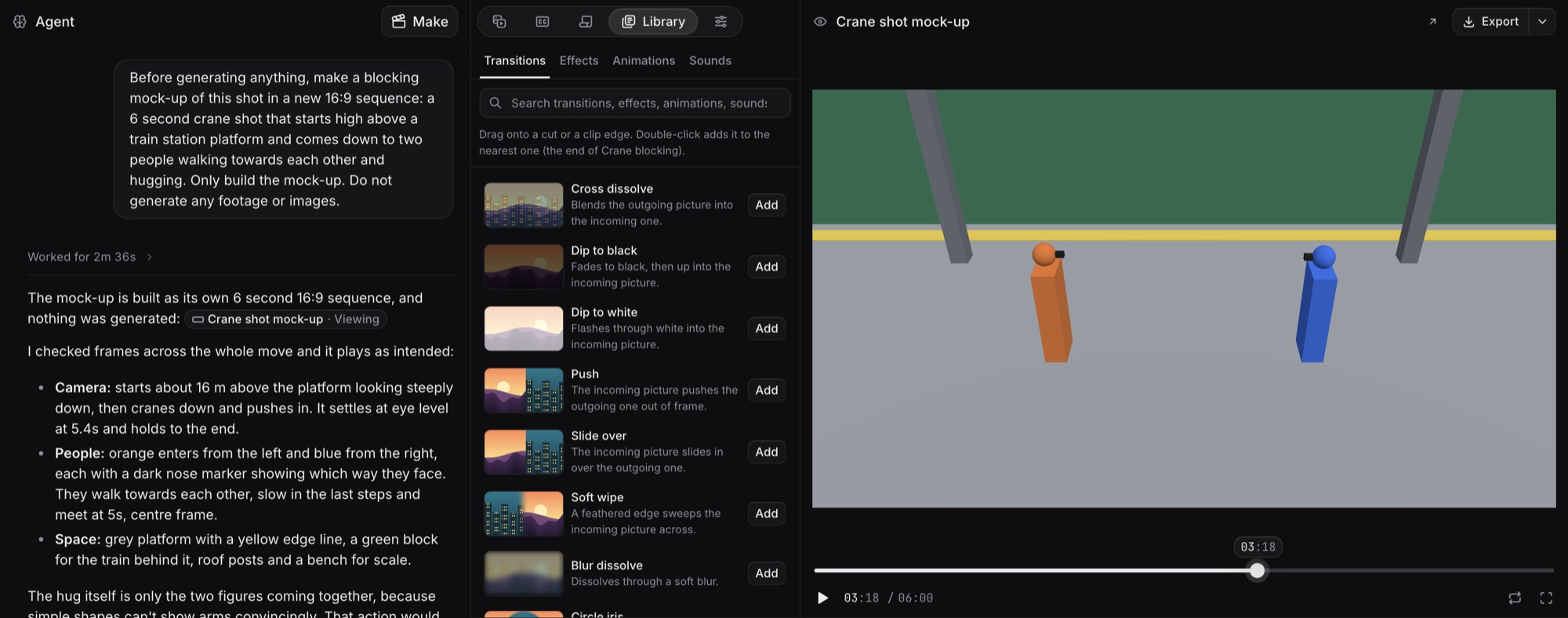
- See a rough 3D mock-up of a shot in simple shapes before Craze makes the footage.
- Agree the camera path and where people and things stand and move, and ask for changes to the mock-up.
- Approve the mock-up, and the Craze agent uses it as a guide so the generated footage follows the same camera move.
Blocking
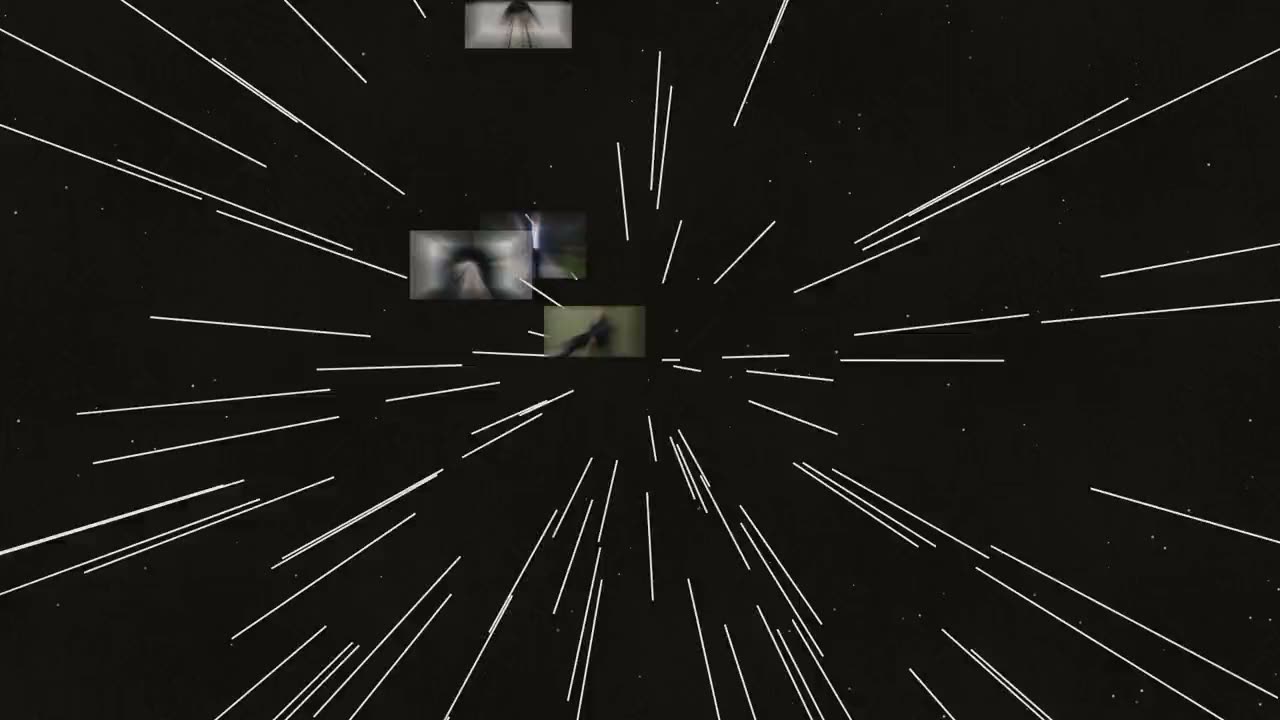
Craze now lets the Craze agent build a rough 3D mock-up of a shot, so you can agree the camera move and positions before any footage is made.
- Describe a shot where the camera move matters, or ask the Craze agent: "Make a mock-up of this shot first."
- Watch the mock-up in the preview and ask for changes until the shot is right.
- Approve the mock-up. The Craze agent gives it to the video model as a guide for the real footage.
Can Craze show me a shot before it generates the video?
Yes. With Blocking, the Craze agent builds a rough 3D mock-up of the shot in simple shapes. You check the camera move and positions before any footage is made.
What is Blocking in Craze?
Blocking is a rough 3D mock-up of one shot. The mock-up shows the camera path and where people and things stand and move, and the video model then follows it.