
Where do you describe your video to the Craze agent?
You describe a video to the Craze agent in the Craze chat box. On the Craze home page, the chat box says "Tell Craze what you want to make", and sending a message there starts a new project. Inside a project, the chat box at the bottom of the Agent panel says "Ask Craze anything", and messages there continue work on that project.
- Click the chat box.
- Type what you want, in your own words.
- Add any files the Craze agent should use.
- Press
Enteror click Send.
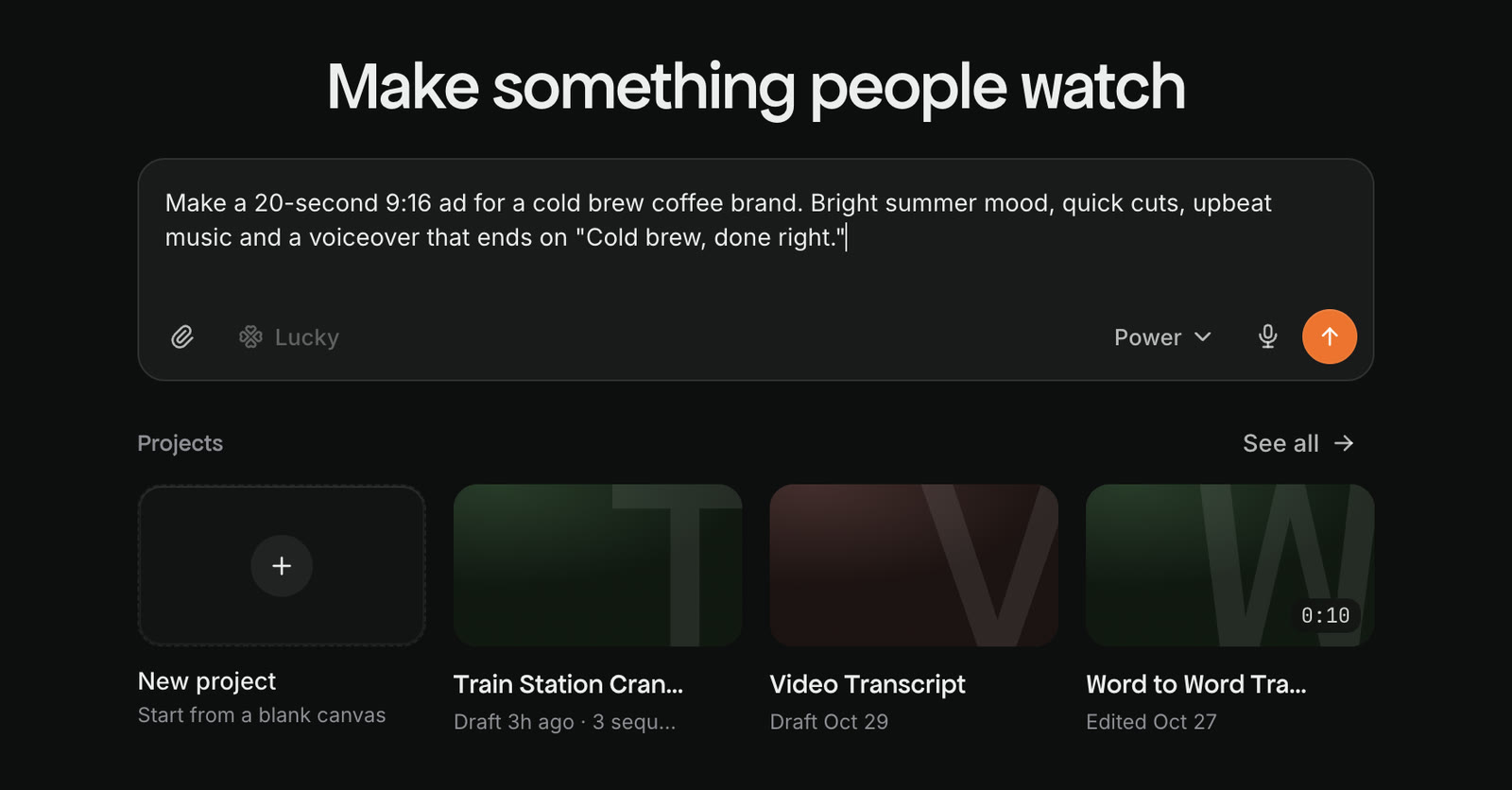
What should a brief for the Craze agent include?
A good brief for the Craze agent says what the video is, who it is for and where it will be posted, how long it is, how it should look and sound, and what material to use. For example: "A 20-second 9:16 ad for Instagram Reels for our cold brew coffee. Warm morning light, upbeat music, no voiceover. Use the product photos I attached and end on our logo."
You don't need every detail. The Craze agent asks about the few things that would really change the result and makes sensible choices for the rest. The Craze guide to writing a great brief has full example briefs.
How do you attach files to a Craze message?
You attach files to a Craze message with the Attach a file button in the Craze chat box, or by dragging files onto the chat. Attached files show above your message before you send it, and the Craze agent can use them in the video or read them for direction.
Craze accepts:
- Images: PNG, JPG, WebP, GIF, HEIC, HEIF and SVG.
- Video: MP4, MOV, M4V, WebM, MKV, AVI and MPEG.
- Audio: MP3, WAV, M4A, AAC, FLAC, OGG, Opus and AIFF.
- Documents: PDF, Word, PowerPoint, Excel, CSV, Markdown, text, HTML, XML and JSON.
A script in a Word file, a brand guide in a PDF or a shot list in a spreadsheet all work as direction for the Craze agent.
How do you point the Craze agent at a specific file?
You point the Craze agent at a specific file by typing @ in the Craze chat box and picking the file from the list. The list shows files attached to your message, files already in the project's Assets, your workspace's custom voices and your other projects. The mention appears as a label inside your sentence, for example "use @logo.png at the end", so the Craze agent knows exactly which file you mean. The Craze guide to mentions covers mentions in full.
Can you share a link with the Craze agent?
Yes. You can paste a link in the Craze chat box and the Craze agent can open it. Share your website so the Craze agent can match your brand's colours and fonts, a product page so it gets the product right, or a link to a public video so it can download the video into your project. A linked video can be up to 10 minutes long and 512 MB; the Craze agent can't download private videos, videos behind a login or live streams.
Can you talk to the Craze agent instead of typing?
Yes. The voice input button in the Craze chat box records what you say and turns it into text in the chat box. Check the text, edit it if you need to, then send it. Voice input is a quick way to give a long brief on a phone.
What happens after you send a brief to the Craze agent?
After you send a brief, the Craze agent works out what is decided and what isn't. It may ask a few questions in a card above the Craze chat box, and before it spends credits on generating video it shows you a plan: a shot list in the chat for a short video, or a plan page for a longer one. Nothing expensive is generated until you approve. The Craze guide to questions and plans explains each step.